Freebies

Useful things,
free to start.

Free guides, tools, and templates from UnOffice. Each one is useful on its own, and a good way to see how we explain things before you join the community or work with us.

The Burnout Field Guide notebook on a desk with coffee and a candle

The Burnout Field Guide

Free e-book · 29 pages · delivered by email

Trapped inside the business you built? This guide walks through eight realistic strategies for recognizing burnout and beginning to build your way out: resetting expectations, protecting your energy, and putting systems where willpower used to be. Drawn from 16 years of watching capable owners run on caffeine and grit, and from seeing what helped.

Get the Guide
An AI guide notebook next to a laptop and iced coffee

The AI Adopter Quiz

Free quiz · about 2 minutes

What kind of AI adopter are you? Cautious, curious, or all in? Answer a few questions and get your type, plus suggestions matched to where you are.

Take the Quiz
A daily plan checklist on a clipboard beside a laptop

Free Notion Resources

Free templates · on the Notion Marketplace

Ready-to-use Notion templates from the UnOffice workspace, built the way we build them for clients: simple, labeled, and made to be used rather than admired. Free ones sit alongside our paid templates on the same profile.

Browse on Notion
A wooden card catalog beside a tablet displaying a community resource library

Find More Resources In Our Community

FREE TO JOIN

Learn how to build your own vibe coded apps, like the free tools on this page. Our latest guides and walkthroughs land there first.

JOIN THE COMMUNITY

Small tools we built with AI for questions that come up in real work. Each one opens in your browser. There is nothing to install and no email to give.

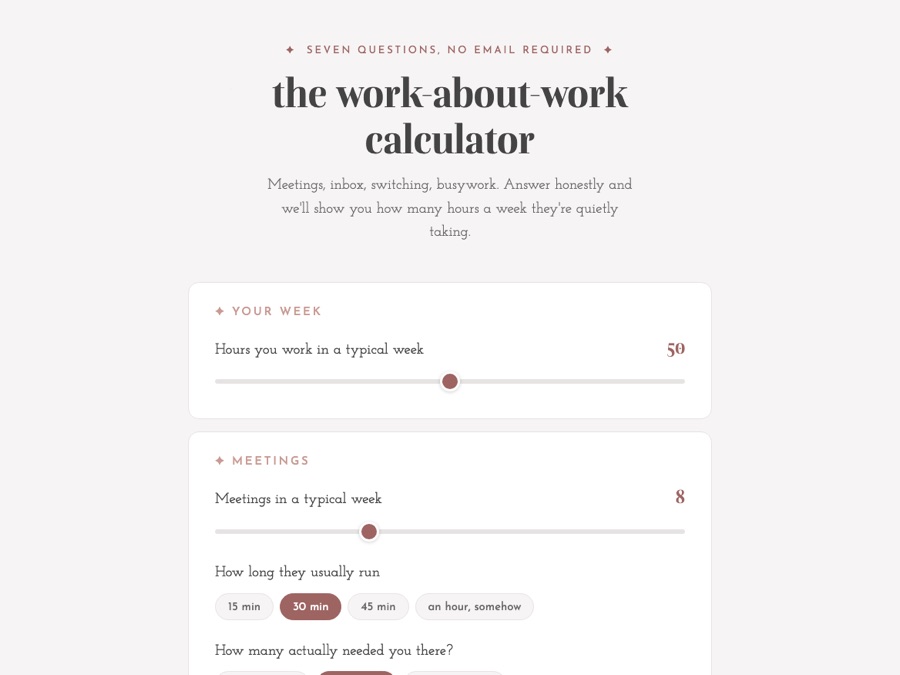
The Work About Work Calculator, with sliders for hours worked and meetings in a typical week

Work About Work Calculator

Free calculator · seven questions

Answer seven questions about your meetings, your inbox, and how many projects you juggle in a day. The calculator shows how many hours a week go to coordinating the work instead of doing it, and what those hours cost at your own rate.

Open the Calculator
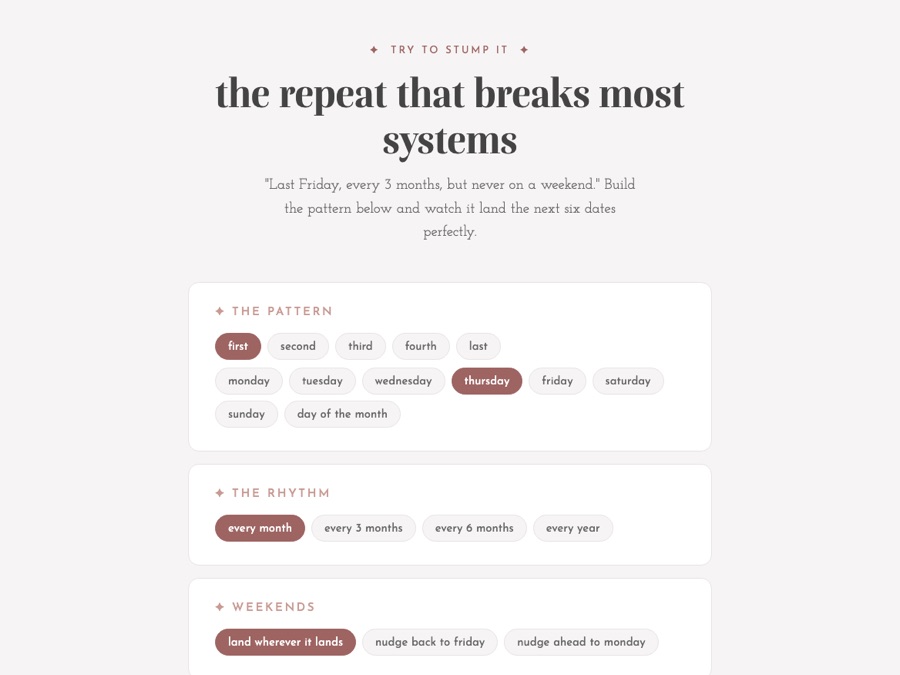
The Recurring Date Builder, with buttons for the week of the month, the day, how often it repeats, and weekends

Recurring Date Builder

Free tool · works in your browser

Some dates are hard to keep on a calendar, like the last Friday of every third month. Pick the pattern, choose how often it repeats, and decide what happens when a date falls on a weekend. The builder lists the next six dates.

Open the Date Builder
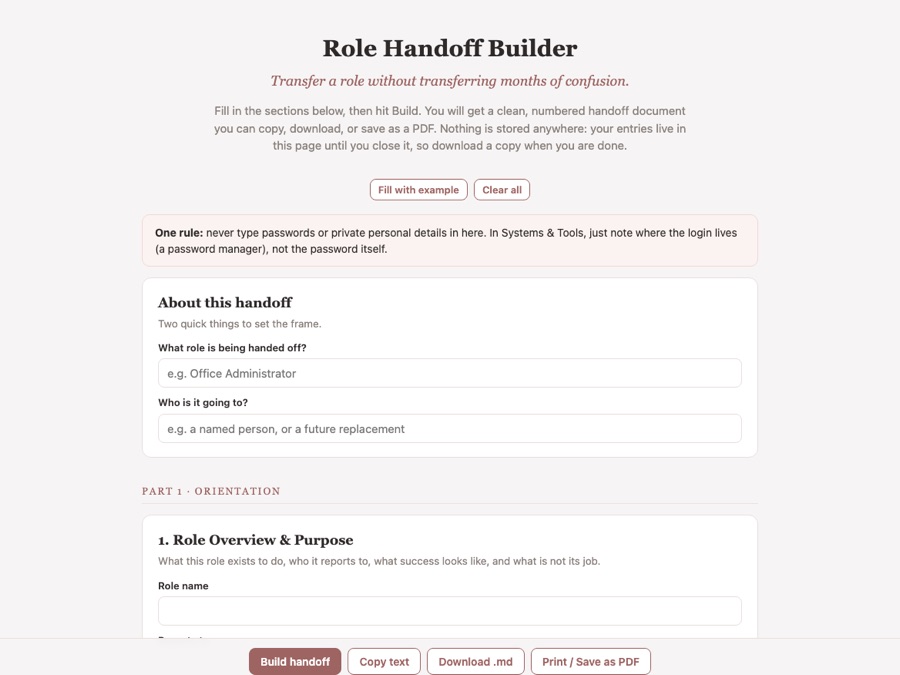
The Role Handoff Builder, with questions about the role being handed off and who it is going to

Role Handoff Builder

Free tool · copy, download, or save as a PDF

When a role changes hands, fill in the sections: what the role is for, the people, the tools, and how the team works. The builder turns your answers into a clean, numbered handoff document. Nothing is saved anywhere, so download a copy when you finish.

Open the Handoff Builder
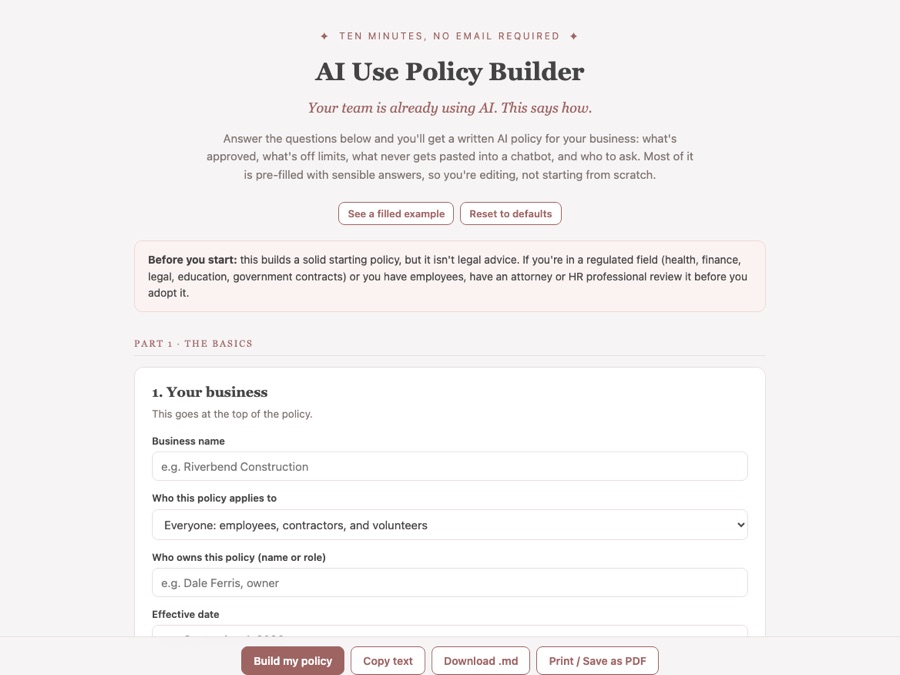
The AI Use Policy Builder, with questions about your business and who the policy applies to

AI Use Policy Builder

Free tool · copy, download, or save as a PDF

Answer the questions and get a written AI policy for your business: which tools are approved, what is off limits, what never gets pasted into a chatbot, and who to ask. Most answers start filled in, so you are editing instead of starting from a blank page. It is a starting point, not legal advice.

Open the Policy Builder
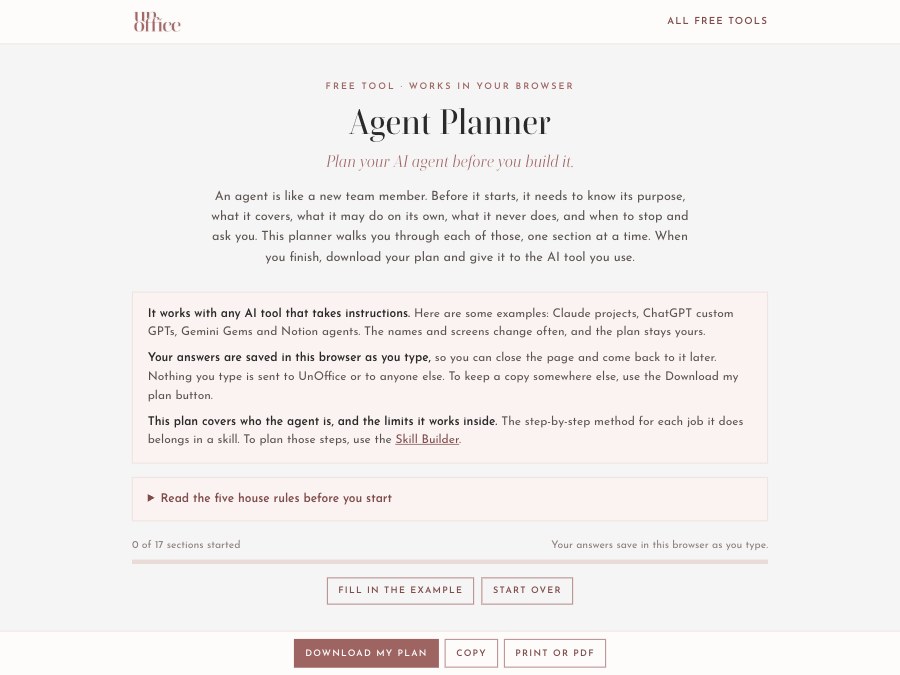
The Agent Planner, with a progress bar, a button to fill in the example, and the first section, Name your agent

Agent Planner

Free tool · download, copy, or save as a PDF

Plan one AI agent before you build it: its purpose, what it covers, what it reads and produces, what it may do on its own, what it never does, when it stops and asks you, when it runs, and when you review it. Your answers save in your browser as you type, and you can download the finished plan to give to any AI tool that takes instructions.

Open the Agent Planner
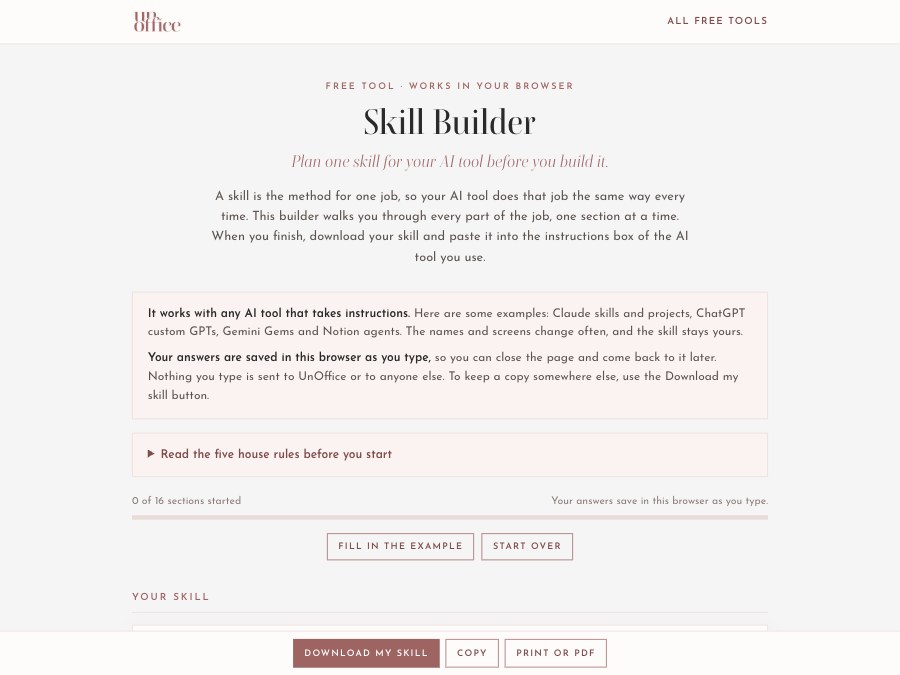
The Skill Builder, with a progress bar, a button to fill in the example, and the first section, Name your skill

Skill Builder

Free tool · download, copy, or save as a PDF

Plan the method for one job, so your AI tool does it the same way every time. Fill in the sections: the steps in order, what done looks like, what it may and may never do, when it should stop and ask you, and the corrections it learns from. Your answers save in your browser as you type, and you can download the finished skill to paste into your AI tool.

Open the Skill Builder
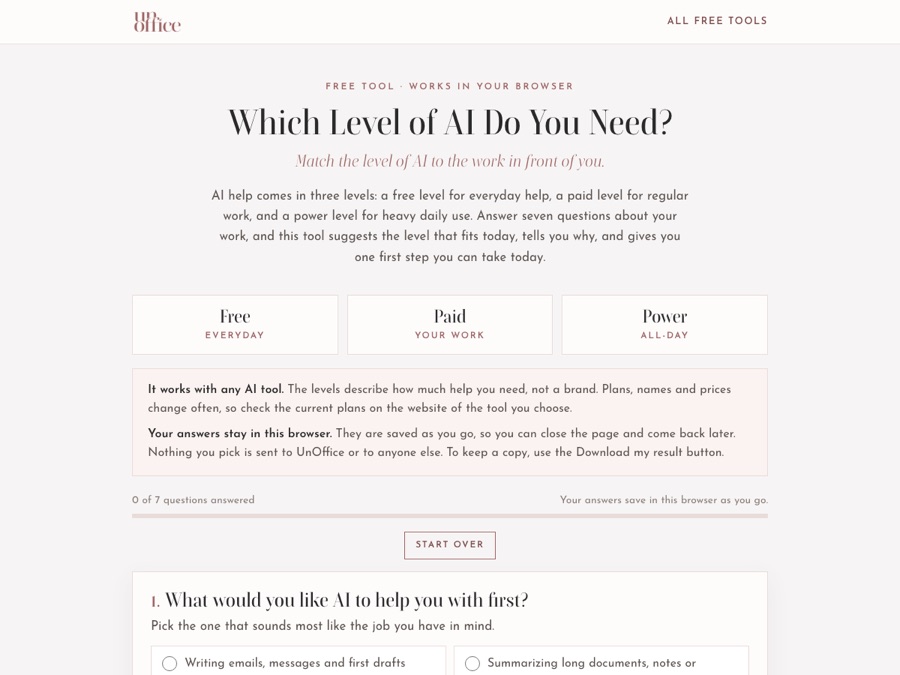
The Which Level of AI Do You Need tool, with the free, paid and power levels and the first question, What would you like AI to help you with first?

Which Level of AI Do You Need?

Free tool · seven questions · download your result

Answer seven questions about what you want help with, how often you will use AI, your budget, and how much it should do on its own. The tool suggests a level of AI help, free, paid or power, tells you why, and gives you one first step you can take today. It works with any AI tool, and your answers stay in your browser.

Find My Level