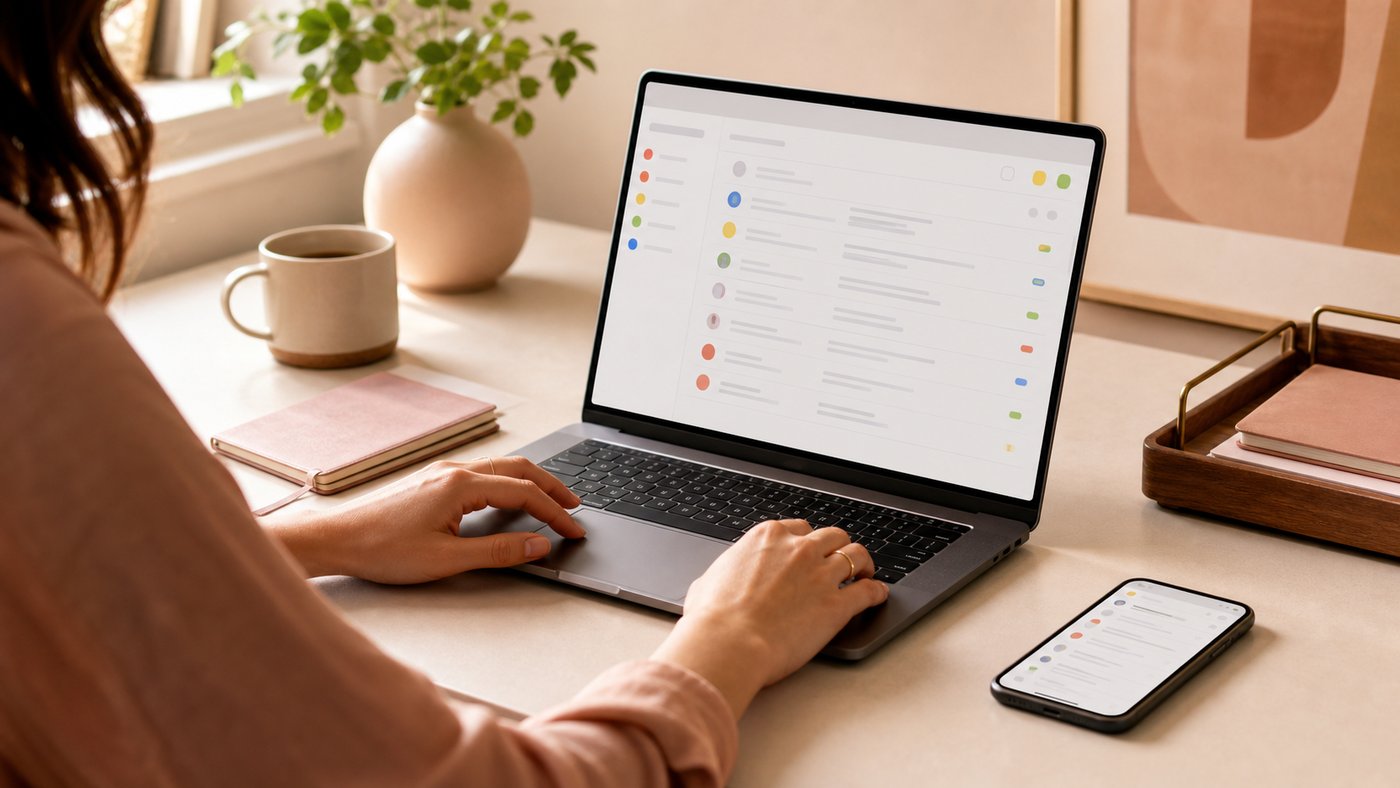
Running a small business means juggling tools, platforms, logins, notifications, and a pile of digital responsibility nobody warned us about. Underneath all of it there's a quieter shift happening, toward simpler systems and tools that work the way real people work.
This series is about the practical, peaceful systems that make modern business easier. I'm starting with one of my longtime essentials: Google Workspace.
If you want business technology that behaves itself, keep reading.
🎧 Listen to this post
Want to skip the story and jump straight to the "just-tell-me-what-to-do" part?
Skip the fluff, click below
✨ Jump to Strategy1. Let's Sit Down and Talk About Your Email (Bring Your Latte)
If we were sitting across from each other right now, you with your cold brew and me with something embarrassingly seasonal and cinnamon-y, email would come up inside of ten minutes. It always does.
Email collects things. Old accounts you opened for one project and never closed. Spam that gets in like raccoons working the trash cans out back. An inbox that still feels like the flip-phone era, with more stress and none of the sparkly flip phones. Add a Yahoo relic here, an AOL grandpa account there, and a domain inbox somewhere else, and you are paying for that setup in minutes every single day.
Here's the part worth hearing.
Email can be a calm place.
It can be simple, organized, professional, secure, and on a good day even a little peaceful.
That's where Google Workspace walks in like the grown-up in the room, picks up the mess, and says, "It's okay. We can fix this." I've run my business on it for more than a decade, which is long enough to know what it does beautifully and where it makes you work for it.
2. Why Google Workspace Still Feels Like a Breath of Fresh Air
Workspace is boring the way good infrastructure is boring. It ships changes without fanfare and rarely asks you to relearn anything you already know. Think of the dependable friend who shows up early, brings snacks, and remembers your dog's name.
The real shift when you move your business onto it is more emotional than technical: your digital life finally lives somewhere it belongs. Your email gets stable. Team onboarding gets easy. File access stops being a scavenger hunt. Offboarding stops being a small crisis, which is worth a hallelujah on its own. And the whole daily rhythm gets lighter.
There is real comfort in logging into an inbox that works. The mail arrives, search works, and the interface looks like it was designed this decade.
It buys you freedom from a hundred small daily frictions, and that is worth more than fancy.
3. Labels, Search, and the "Oh My Gosh, I Can Find Things" Moment
The first time someone uses labels instead of old-school folders, they tilt their head like a golden retriever hearing a new sound.
Labels let you file one email under several categories at once, which is the email equivalent of putting a single sweater in your "winter clothes" drawer, your "work clothes" drawer, and your "favorite cozy things" drawer simultaneously. Nothing has to live in exactly one place anymore.
Then there is Google search, which is like suddenly gaining psychic abilities for your inbox. You can type "that invoice from March with the blue header from Karen" and Google will come back with, oh yes, right here. That first sigh of relief is unmatched, and it is the moment most people stop dreading their inbox.
4. The Spam Filtering That Saves Your Morning Mood
If you've ever used old hosting email, bless your heart, you know the particular pain of logging in to pyramid schemes, expired coupons, and miracles guaranteed to boost your metabolism.
Google handles it quietly and without drama, and you mostly never see the attempt. Your inbox stays clean so you can stay sane.
5. The Magic Trick: Pulling Old Accounts Into One Calm Home
This is where Workspace starts earning its keep: all those old accounts.
Google Workspace can pull your old inboxes into one place. Even the AOL address you made back when your biggest worry was feeding a virtual Neopet. The usual suspects show up here: the Yahoo address you don't talk about, the Hotmail account you were sure you deleted, the Gmail accounts you opened during assorted life events, the business inbox on your old domain, and the one your hosting company handed you that you forgot existed.
Two caveats before you connect anything. Google connects a limited number of outside accounts, and older ones need POP access switched on, so a genuinely ancient provider can be fussy about it. And messages come across while folders and labels generally do not, so plan to re-sort a little on arrival.
Sending from your other addresses (with one caveat)
Workspace lets you send from addresses on domains you own, so a client sees hello@yourbusiness.com whether you typed it on your phone in a parking lot or at your desk. That part is solid, and it's the piece most small businesses need.
Google has announced that sending as third-party consumer addresses like Yahoo and Outlook stops working in January 2027, so treat an old free account as a temporary forwarding arrangement rather than a permanent identity. Move the addresses that matter onto your own domain and let the rest quietly retire.
Do that and you've invited all your past selves into one efficient little digital cottage where everyone finally gets along.
6. A Tiny How-To Moment: Pulling Old Email Into Gmail Without Tears
Here's a taste of how gentle the process is.
Open Gmail, go to Settings, then the Accounts tab, and look for the import option. You click it, sign in to the old account, and Gmail moves things over in the background while you get on with your day. Gmail walks you through each screen in plain language.
Google reshuffles these menus every so often, so if the wording on your screen doesn't match mine, find the Accounts tab and work from there.
Most people finish this expecting it to have been worse. Google built the import to feel like turning on a faucet.
7. Calendar Color-Coding: The Unsung Hero of Business Sanity
If your calendar looks like a toddler got hold of a marker and scribbled across your week, color is the cheapest fix available to you.
Workspace lets you color both entire calendars and individual appointments, and that second one is the part most people miss. Client meetings in one color, deep work in another, team calls in a third, and anything personal in something soft. You can also layer business, family, and personal calendars into a single view without tangling the wires. For visual thinkers this is the whole ballgame. It's a planner that keeps up with you.
✨ Start With the Free Stuff
The UnOffice Community is open, and it's where I keep the library: guides, Notion templates, and AI walkthroughs you can use the same afternoon you find them. If Workspace is the calm foundation, that library is what you build on top of it.

🛠 Tools We Use & Love
These pair beautifully with Google Workspace and make your digital life smoother, safer, and less cluttered.
- Google Workspace: the foundation for calm, reliable email, team communication, and collaboration.
- Flywheel Hosting: a lovely WordPress hosting experience with support that answers.
- Namecheap Domains: simple domain buying and management.
- 1Password: secure password storage for you and your team.
- Calendly: pairs perfectly with Google Calendar for scheduling.
- Backblaze: set-it-and-forget-it computer backups for your business.
(Some of the tools mentioned on our website may include affiliate links, which means we may earn a small commission at no extra cost to you. We only recommend things we truly love.)
💡 How AI Can Make Google Workspace Even Easier
Once your business runs inside Workspace, AI can take over the parts of email that eat your morning. It reads faster than you do, it never gets bored halfway through a long thread, and it is happy to do the sorting you keep putting off. Here are the uses that earn their keep:
- Morning triage. Ask it what needs you today, what can wait until Thursday, and what you can archive without reading.
- Reply drafts. Paste an email, get back a short, warm, professional response you can adjust and send.
- Thread summaries. Finally understand the point of a seventeen-message chain in one paragraph.
- Long emails, made readable. Turn a wall of text into something a busy person will get through.
- Meeting prep. Hand it the calendar event and your notes, get back what you need to know before you walk in.
- Calendar events from messy emails. Paste the text, let it pull out the date, the time, and the purpose.
- Inbox cleanup calls. Ask what to archive, what to unsubscribe from, and what deserves a label.
- Repeat email templates. Good for monthly bookkeeping reminders, scheduling, and client onboarding.
I have a longer guide on handing your inbox to AI properly, if you want to go deeper than the list above.
Come grab what's useful: the UnOffice Community
Join Us in the Community8. One Last Thing Before the Strategy Box
What I like about Google Workspace is that it's kind. It holds things steady in the background, protects you, and organizes things you hadn't noticed were disorganized. It's the feeling of someone turning on the lights in a room you've been stumbling through for years.
For small business owners who juggle a great deal and work hard to keep it all upright, that steadiness is worth a lot. It's reliable, and reliability hands back your time, your energy, and your clarity.
🗂️ The Short Version: Your Google Workspace Game Plan
- Google Workspace puts your business email on your own domain, with Gmail's labels, search, and spam filtering behind it.
- You can import old email accounts into one inbox and send from any address on a domain you own.
- Labels replace folders: one email can live in several categories at once, and search does the finding.
- Color-code both whole calendars and individual appointments so your week makes visual sense.
- The full setup, in order, is the fifteen steps below.
If you're the "just give me the steps" type, this is your moment. Here's the roadmap for setting up Google Workspace so your business email feels organized, professional, and calm. Save it, print it, or pin it above your desk.
Strategy Steps
- Choose your Google Workspace plan. Pick one that fits your team size and storage needs. You can move up later.
- Verify your domain. This connects your professional email to your business name instead of your old hosting account.
- Create your main business email address. This becomes home base for communication and admin access.
- Turn on 2-step verification. A few minutes of setup that keeps strange logins far away from your business.
- Import your old email accounts. Start with the ones you still use, and check that each old provider allows the connection.
- Set up labels. Build categories like clients, receipts, and projects so things stay findable.
- Color-code your calendar. Assign colors to both calendars and individual appointments so your week makes visual sense.
- Organize your Google Drive folders. A simple structure now keeps it from becoming a digital junk drawer later.
- Add users and assign roles. Bring team members in with the right permissions so nobody gets access they don't need.
- Set up send-as for domains you own. Keep your business identities inside one inbox, old domains included.
- Connect Workspace to your essential tools. CRM, scheduler, accounting platform. Everything starts syncing.
- Set your business email signature. Consistent and on-brand on every message that leaves.
- Clean up old hosting email. Redirect it to Workspace so you never open that cPanel inbox again.
- Archive your history. Keep years of email without the clutter and let Gmail search do the finding.
- Do a weekly five-minute review. A small habit that keeps the whole thing predictable.
Originally published December 2017. Last updated August 2026.
Before you go…
💬 Tell me this: if you could wave a magic wand and fix one thing about your email setup, what would it be?
Let's swap stories in the UnOffice Community. I'd like to know which part of the mess is yours.