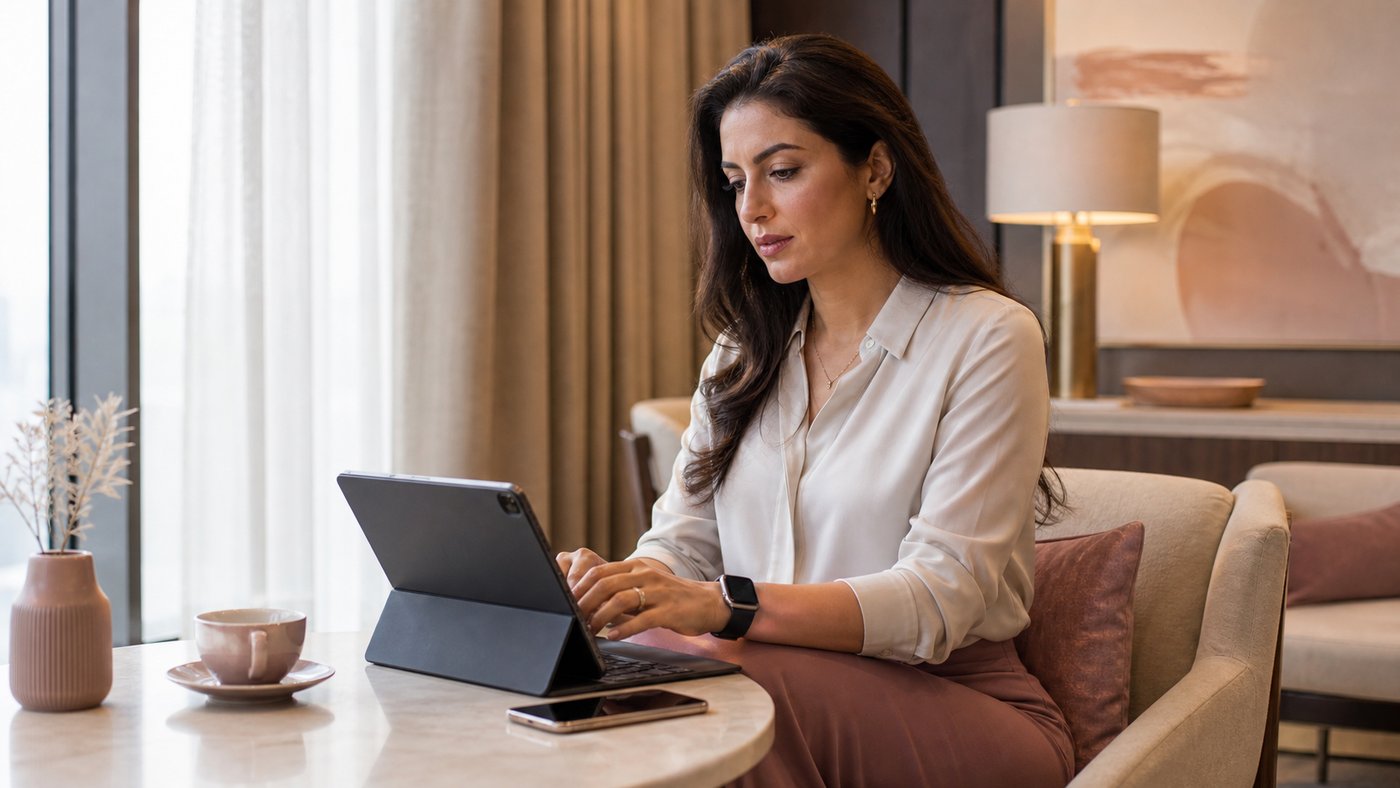
There's a moment in every Apple lover's life when you realize iOS has quietly become your default workspace. It usually lands somewhere between "let me just check something on my phone" and "why am I doing everything from this device?" It sneaks up on you the way a good habit does: slowly at first, then all at once. One day you're answering a few emails from your iPad. The next you're updating websites, running client projects, and wondering if you even need your laptop for anything other than taxes and the occasional formatting crisis.
I never planned this shift. Nobody sets out to build an iOS productivity system, and I certainly didn't. I had my laptop workflow down to a science: the familiar clicks, the folders, the digital nostalgia of dragging files like it was 2012. If anything, I resisted. But iOS kept winning on ease alone. The kind of ease that feels like an exhale.
It's the same sensation as switching from a cluttered desk to a clean one. Nothing drastic happened, and the work is the same. But suddenly there's room to breathe.
🎧 Listen to this post
Want to skip the story and jump straight to the "just-tell-me-what-to-do" part?
Skip the fluff, click below
✨ Jump to StrategyWhere the iOS love story really began
If you've been around Apple long enough, you know the emotional arc. It starts innocent, maybe with an iPhone that just works, or an iPad that feels lighter than it has any right to be. The more you use it, the more it feels like the device understands you. And yes, I know that sounds ridiculous… but tell me I'm wrong.
When you're running a business, juggling clients, kids, deadlines, and new ideas at inconvenient hours, consistency matters. And what is always with you?
Not your laptop.
Not your desktop.
Not your planner.
(I'm sorry. I know.)
Your phone.
Your phone is present for every spark of inspiration, every "remind me to…" thought, every idea that pops into your head while you're standing in Target debating peel-and-stick wallpaper. iOS became my go-to workspace because it was already there for the rest of my life. The transition was inevitable.
Why is iOS such a calm place to work?
iOS feels… peaceful. Not because the work changes, but because the environment does. Something shifts when your work fits in your hand. Your brain unclenches a little, your to-dos feel less towering, and you stop feeling chained to a chair.
No fan noise. No multitasking tabs yelling at you. No "your startup disk is almost full." No update seizing your whole machine at the worst possible moment. Just open → work → done.
There's a quiet confidence in knowing that if you need to send an invoice, approve a design, or write a client message, you can do it from anywhere: the car line, the couch, the waiting room, even bed on the nights your brain won't shut off. It's work without the weight of a whole office attached.
The moment iOS crossed from helpful to essential
At some point, and I wish I could tell you exactly when, the balance shifted. I found myself reaching for my laptop less and my iPad or iPhone more. There was no dramatic decision, just a drift: a slow migration into a calmer way of working that matched the season of life I was in. Running a business is already heavy. Why add more weight than necessary?
iOS became the place where I could think clearly, map out ideas without distraction, and keep tasks feeling digestible. My systems stayed organized, mostly because my tools made staying tidy the path of least resistance. It made me feel capable, not because I suddenly became Superwoman, but because the tools supported the way my brain works instead of fighting it.
Do I still use my Mac?
Yes, I still use my Mac. It just no longer runs the show. This is the part the Apple Store doesn't print on the signage: you don't have to choose a side. The goal isn't to force your laptop into early retirement. The goal is to let your tools step into the roles they're best suited for.
For me, my Mac is my "special projects" machine: design days, heavy builds, long-form formatting, and anything technical. My iPad is my "deep thinking and planning" machine: quiet mornings, content creation, mapping workflows, organizing. And my iPhone is my "life happens here" machine: email, communication, reminders, calendar, tasks, the real heartbeat of my business.
iOS became my go-to workspace because it carries 80% of what I do with 20% of the stress. One day it may carry even more, and I won't be surprised when it does.
What I've learned (so far)
A lighter system starts paying off long before you go fully mobile, techy or not. What you need are tools that work in rhythm with your real life. For many of us, that rhythm is already in our pocket.
Whether you're iOS-curious, iOS-accidental (hi, welcome), or full-on iOS-serious, there's a version of mobile business that fits you. Ease in, let the workflow evolve, and trust the drift. Sometimes the simplest tools are the ones that make you feel the most capable, and sometimes, quietly, sneakily, they become your favorite workspace.

🛠 Tools That Make Mobile Work Effortless
These are the apps, systems, and little digital comforts that blend beautifully with iOS and help create a calm, flexible business, the kind that supports your life instead of competing with it.
Google Workspace: where email, files, and calendars stay perfectly synced.
Apple Notes: the fastest way to capture anything, anywhere.
Canva: powerful mobile-friendly design for content creators.
Asana or Monday: structured project management that behaves well on iOS.
Notion: ideal for content hubs and documentation.
GoodNotes: handwritten notes that feel almost meditative.
QuickBooks Online: essential bookkeeping tools that travel with you.
Loom: quick tutorials and walkthroughs without a full production setup.
Reminders: clean recurring tasks without fuss.
Gmail or Spark: mobile inboxes designed for sanity.
Shortcuts: iOS automation at its most magical.
iCloud Drive: a quiet, invisible backbone for file management.
(Some of the tools mentioned on our website may include affiliate links, which simply means we may earn a small commission, always at no extra cost to you. We only recommend things we truly love.)
How AI helps when your office fits in your hand
Pairing iOS with AI is like giving your mobile setup its own backstage crew. Here's how I actually use it from my phone, prompts included:
- Turn voice memos into clean text. "Turn this rambling voice memo into a tidy to-do list. Keep my wording where you can."
- Draft replies without the blank screen. "Here's the client's message and the three things I need to say. Draft a warm, professional reply under 150 words."
- Summarize long PDFs in the car line. "Summarize this in five bullets and flag anything with a deadline."
- Triage the day when it gets loud. "Here's everything on my plate. Sort it into 'has a real deadline' and 'just feels urgent.'"
- Outline a blog post from messy Notes. "Here are my notes. Give me a working outline with a hook, three sections, and a closing thought."
If a lighter way of working sounds like your speed, come join me in the UnOffice Community. That's where I share the practical, no-hype version of running a business from the device in your pocket, straight to your inbox.
Join Us in the CommunityYour iOS productivity strategy
If you want the practical roadmap instead of the long story, start here:
- Move the easy wins first. Email, calendar, reminders, and content planning all live happily on iOS. Let admin follow once those feel natural.
- Go cloud-first. When your files sync everywhere (iCloud Drive, Google Workspace), no single device holds your business hostage.
- Pick one task system and stay in it. Apple Notes, Reminders, Asana, Notion: the tool matters less than the consistency.
- Keep your Mac jobs on the Mac. Heavy design and technical work stay on the laptop, guilt-free. Everything else is allowed to shift.
- Use voice-to-text everywhere. It smooths out the "typing on glass" frustration beautifully.
Originally published August 2016. Last updated August 2026.
Before you go…
📱 What's the ONE iOS app you absolutely cannot live without in your business? (Your answer may just help someone else discover their new secret weapon.)
Share with a friend if you think they'd find this helpful.